

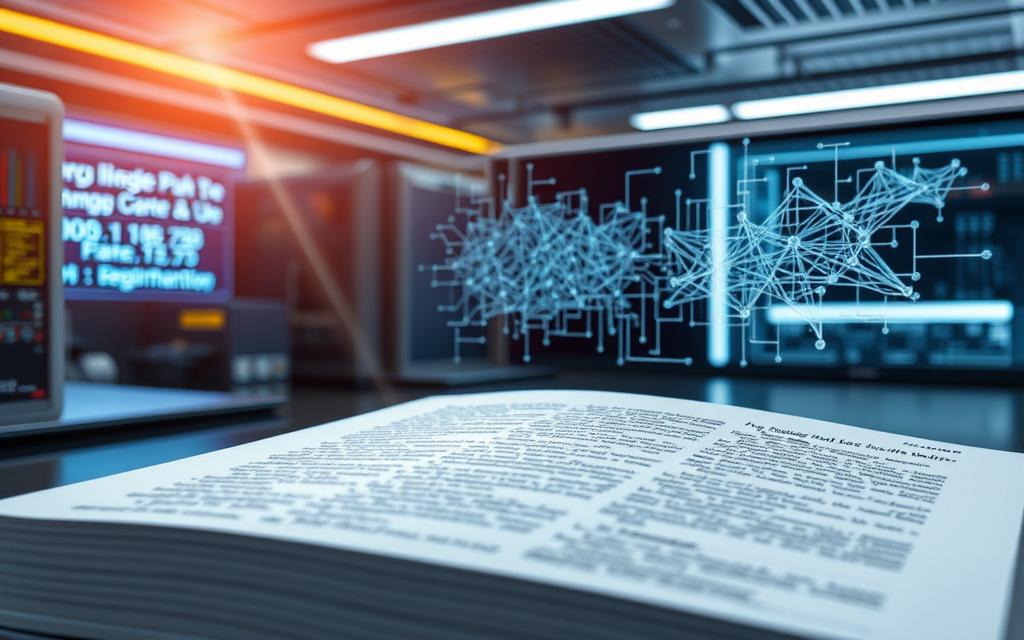
Optical character recognition is a game-changer in document management. It turns physical documents into editable digital formats. This is done through advanced pattern recognition.
This technology converts scanned papers, photos, or PDFs into text that machines can read. It makes editing, searching, and storing documents much easier.
Questions about ocr used digitizing also connect with talk techy speaking geek when readers compare closely related topics.
Today’s systems can accurately read both printed and handwritten texts. This makes it easy to use digital tools and automate tasks.
Many businesses use OCR for digitising text. It’s key for extracting data from physical sources efficiently.
But OCR does more than just transcribe text. It supports complex analysis and helps keep archives digital. This makes old documents easy to access in today’s digital world.
Understanding OCR Technology Fundamentals
Modern OCR systems have come a long way from their early days. Now, they use advanced imaging and software to turn static documents into searchable data.
How Optical Character Recognition Works
The OCR process starts with capturing document images. This is done by scanners or cameras. The quality of these images affects the next steps.
Then, image quality is improved. De-skewing fixes alignment, despeckling removes noise, and binarization makes images black and white. This makes characters clearer.
Related Posts:





Recognition happens in two ways. Pattern recognition uses stored templates to match character shapes. Feature extraction looks at lines, curves, and intersections for recognition.
The last stage is postprocessing. Here, errors are fixed through contextual analysis and dictionary checks. This ensures the output is accurate.
Key Components of OCR Systems
At the heart of OCR systems are the hardware components. High-resolution scanners and cameras are essential for clear images.
Software is also key. It includes the recognition engine with advanced algorithms. Linguistic databases and context tools help improve accuracy.
Today’s systems can format output for various applications. This makes it easy to use the converted text in different systems.
Evolution of OCR Technology Over Time
OCR technology started in the early 20th century. Emanuel Goldberg created devices that could read characters in the 1920s.
In the 1970s, Ray Kurzweil made a big leap. He developed the first omni-font system. This could read text in almost any font.
Recent years have seen big improvements. Artificial intelligence and machine learning have boosted accuracy. This is true for handwritten text and poor-quality documents.
Today, OCR systems are the result of nearly a century of work. They combine old techniques with new AI to offer high accuracy and flexibility.
What Is OCR Technology Used For in Document Management
Many organisations use OCR technology to change how they handle documents. This tool turns paper into digital files, making work easier and more accessible.
Digitising Paper Archives and Records
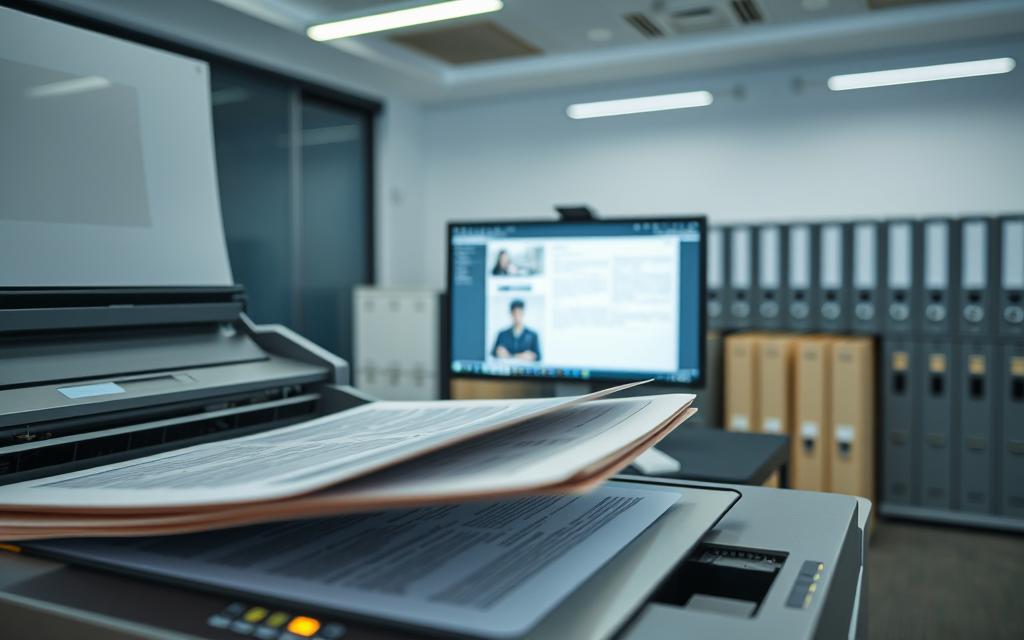
Businesses often have lots of paper that takes up space and gets damaged over time. OCR technology helps by turning these papers into digital files.
First, high-quality scans are made of the papers. Then, OCR software reads these scans and turns them into text. This makes digital copies that last longer than paper.
Companies save money on storage and keep documents safe from damage. Important papers like contracts and records are easier to find and keep.
Automating Data Entry Processes
Manual data entry is expensive for many businesses. OCR technology makes this task easier by automatically reading documents.
The system finds and fills in data like names and addresses. This automated data entry makes work faster and more accurate. It saves time and reduces mistakes.
Companies save money by not needing as many people to do data entry. Employees can do more important tasks, making the company more efficient.
| Document Type | Manual Processing Time | OCR Processing Time | Accuracy Improvement |
|---|---|---|---|
| Invoices | 5-7 minutes | 30-45 seconds | 98% vs 85% |
| Application Forms | 8-10 minutes | 1-2 minutes | 99% vs 82% |
| Contracts | 12-15 minutes | 2-3 minutes | 97% vs 80% |
Enhancing Document Searchability
Scanned documents are often hard to search. OCR technology makes them searchable by adding invisible text layers.
This turns searchable PDFs into interactive databases. Finding information becomes quick and easy.
Companies create big knowledge archives where finding documents is fast. The search function is smart, finding phrases and understanding context.
This makes decision-making faster and information easier to find. Teams can quickly find what they need, saving hours of searching.
OCR Applications in Business and Finance Sectors
Optical Character Recognition (OCR) technology is a game-changer for businesses and finance. It turns paper-based tasks into digital ones. This makes work easier, more accurate, and follows rules better.
Invoice Processing and Accounts Payable Automation
OCR changes how companies handle invoices. It pulls out key info like who the invoice is from, how much it’s for, and when it’s due.
This tech cuts down on mistakes and speeds up payments. It can handle lots of invoices without needing much human help.
The system checks the info against other documents. This makes sure payments are only made when they should be.
Banking: Cheque Processing and Form Digitisation
OCR is key for cheque processing in banks. It reads both printed and MICR codes.
Banks also use OCR to make customer forms and financial documents digital. This makes them easier to search and keeps rules in check.
The tech works with many types of documents. This makes starting new customer accounts faster and easier.
Legal Document Analysis and Management
Law firms and corporate legal teams use OCR to handle lots of documents. It turns paper files, contracts, and discovery documents into digital formats.
This makes it easy to search through thousands of pages. Lawyers can find what they need quickly when preparing for cases.
Advanced systems can also hide sensitive info. This keeps client secrets safe while keeping documents useful.
| Application Area | Key Benefits | Common Document Types |
|---|---|---|
| Accounts Payable | Reduced processing time, improved accuracy | Invoices, receipts, purchase orders |
| Banking Operations | Faster processing, enhanced compliance | Cheques, application forms, statements |
| Legal Documentation | Improved searchability, time savings | Contracts, case files, discovery documents |
Financial OCR technologies are key to making businesses better. They save money, work faster, and are more accurate.
Healthcare and Government OCR Implementations
Optical Character Recognition (OCR) has changed how public services and healthcare manage information. It helps turn paper documents into digital ones. This is true for patient records and national archives.
Medical Records Digitisation and Patient Data Management
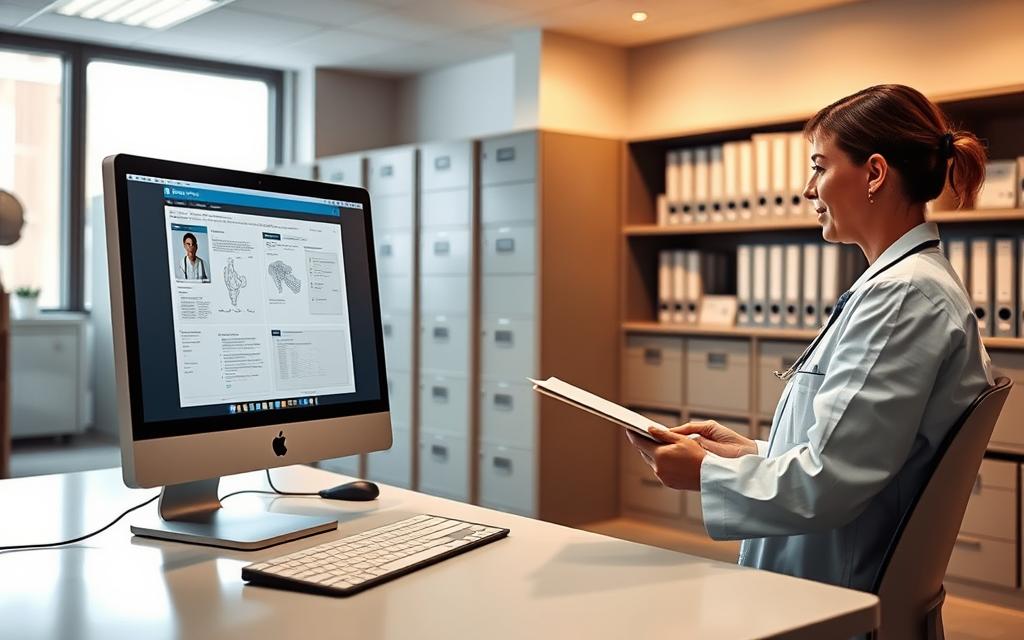
Healthcare providers need to turn old paper records into digital ones. OCR makes this possible by reading information from old files and reports.
Having digital records helps doctors access patient histories quickly. This leads to better care and research. It also makes hospitals safer by reducing mistakes.
The use of OCR in healthcare is a big step towards using data in medicine.
Government Document Processing and Public Records
Government agencies deal with vital documents like land records and laws. OCR helps digitise these, making them easier to access and keep.
It works on old census data and new forms. This makes it easier for people to get what they need online. It also makes government offices more efficient.
Public records management gets a lot from OCR’s ability to read different documents. It can even handle handwritten texts, keeping important info safe for the future.
Passport and ID Verification Systems
OCR is key in border security and checking identities. At airports, it quickly reads travel documents.
It pulls out personal info and checks it against databases. It works with many types of IDs, like driver’s licences and visas.
The ID verification process is getting better, with more security checks. This makes it safer and keeps things moving at checkpoints.
OCR is also used in banking, age checks, and online services. It’s getting faster and more accurate, making security checks better.
Emerging OCR Applications and Future Trends
OCR technology is changing fast, moving beyond just scanning documents. It’s now about how we use text in our daily lives. With mobile tech, AI, and the need for accessibility, we’re seeing big leaps forward.
These changes mark a new era for OCR. It’s no longer just about digitising text. Now, it’s about understanding and using text in real-time, in many different ways.
Mobile OCR Applications and Real-time Translation
Smartphone cameras are now powerful OCR tools. They fit in your pocket. Mobile OCR apps can quickly read text from signs, menus, or documents, wherever you are.
The coolest thing is the real-time translation feature. Just point your camera at text in another language, and the app shows you what it says. This helps travellers, students, and business people who work with people from other countries.
- Extract text from images for editing or sharing
- Scan contacts and add them to your address book
- Read business cards and organise the data
- Scan documents and improve their quality
AI Integration and Machine Learning Enhancements
The mix of AI and OCR is a big step forward. Machine learning helps OCR systems get better at reading, even with tough materials.
These smart systems can handle messy documents and poor scans. They can even read handwriting well, making old documents and notes easy to digitise.
Today’s OCR uses natural language processing. This lets it understand the context and layout of text. It’s not just about reading characters; it’s about understanding their meaning and how they relate to other text.
Accessibility Tools for Visually Impaired Users
OCR technology is also helping people with visual impairments. Apps can read out text from any printed source. This uses OCR and text-to-speech together.
These tools let people with visual impairments read on their own. They can use apps to read menus, labels, letters, and books. It’s a big step forward for them.
The tech keeps getting better. It now includes features like:
- Real-time scene description using camera and OCR
- Currency identification for financial independence
- Colour recognition for clothing coordination
- Document navigation for those with visual impairments
These advancements build on OCR basics but take it to new heights. The future looks bright for OCR in our daily lives. For more on OCR, check out this article.
Conclusion
OCR technology is key in many fields, like business, finance, healthcare, and government. It makes text digital, bringing big benefits. This boosts efficiency and accuracy in handling data.
Companies using OCR see big savings and smoother workflows. Tasks like processing invoices or managing medical records get faster and more accurate. This tech helps turn old paper systems into modern digital ones.
OCR also makes data safer and easier to find and use. Files that computers can read are better protected and easier to work with. As we move forward, OCR will work even better with AI and mobile apps.
Choosing OCR is more than just an update. It’s a smart step towards better data handling. Its importance in the digital world keeps growing. It’s a must for any organisation looking to the future.
FAQ
What is Optical Character Recognition (OCR) technology?
Optical Character Recognition (OCR) turns scanned documents, photos, or PDFs into digital text. It makes images with text editable and searchable. This is key for digitising data in many fields.
How does Optical Character Recognition work?
OCR scans an image first. Then, it improves the image quality. Next, it uses algorithms to read and convert the text into digital form.
What are the key components of an OCR system?
An OCR system needs hardware like scanners and software for text processing. These parts work together to digitise text efficiently.
How has OCR technology evolved over time?
OCR has grown from simple machines to advanced AI systems. Pioneers like Emanuel Goldberg and Ray Kurzweil helped make today’s accurate systems.
How is OCR used in document management?
A> OCR digitises paper archives and automates data entry. It makes documents searchable. This reduces manual work and errors.
What are some business applications of OCR?
OCR helps with invoice processing and cheque scanning in business. It also aids in legal document analysis. These uses make operations smoother and more accurate.
How is OCR implemented in healthcare and government sectors?
A> In healthcare, OCR digitises medical records for better management. In government, it processes public records and verifies IDs. These uses enhance service delivery and security.
What are the emerging trends in OCR technology?
New trends include mobile OCR apps and AI for better document recognition. There are also tools for visually impaired users. These advancements improve OCR’s capabilities.
Can OCR handle handwritten text?
Yes, modern OCR systems, with AI, can read handwritten text. But, accuracy depends on handwriting quality and system training. Improvements are ongoing.
What are the benefits of using OCR over manual data entry?
OCR saves time and money, increases accuracy, and makes data easier to access. It reduces manual typing and errors. This makes content search and retrieval efficient.